


Your Website, Our Expertise
Managed Hosting with Hands-on Support – No AI, Bots or Autoresponders
Also comes with the plan:








Phone Support
Phone Support

with Email Setup
with Email Setup

Configuration
Configuration



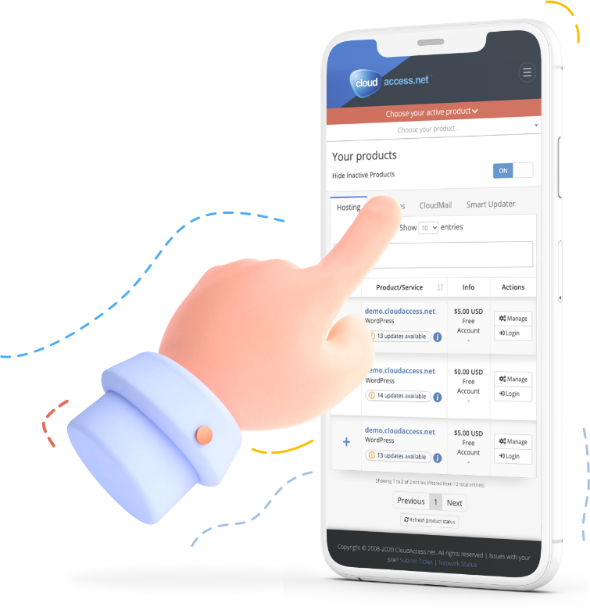
Boost your website with Cloud Control Panel™
Cloud Control Panel™ is all-in-one web app that combines countless innovative features into a simple, easy to use interface that let’s you manage your website with ease.
Safe & secure hosting with full control
We continuously make sure that our servers are fine-tuned for Joomla! and WordPress websites
Lock down your files and database to make sure nobody tampers with it
Good not only for protection, but for SEO – secure your users’ connection to your site and make Google like your site more
Let our team do the heavy lifting
If you want to move a site from a different server to us, our support team will do that for you for free
Our team of Joomla and WordPress experts will help you with troubleshooting issues on your website, not just our servers
Our team is ready to help you by any means convenient for you, 24/7

Got questions? We have answers
Most definitely – just purchase a hosting plan and submit a support ticket with your back-end and FTP information, we’ll take it from there
We constantly update our PHP software to their latest available versions, even including security backporting for older PHP versions
Yes – click here to access our client-facing knowledgebase to get up to speed
We have a Pro Services department to fill your custom development needs
All of our Support Team members are crossed-trained to solve issues ranging from Joomla and WordPress technical problems to billing and hosting issues
Trusted by more than
20,000 happy customers








Excellent support. +- 15 minutes from raising the ticket to receiving a clear and unambiguous response! Very impressed by your support!

I am a new customer of CloudAccess.net. I wanted to let you know how incredibly helpful and responsive your customer service staff is.

I think I can say without reserves that this is definitely the best support I’ve received since dealing with online firms (offline are normally worse lol).